Uptime monitoring isn't just about your homepage anymore
A green homepage doesn't mean your app works. Why modern uptime monitoring has to cover APIs, background jobs, certificates, and more than one location.
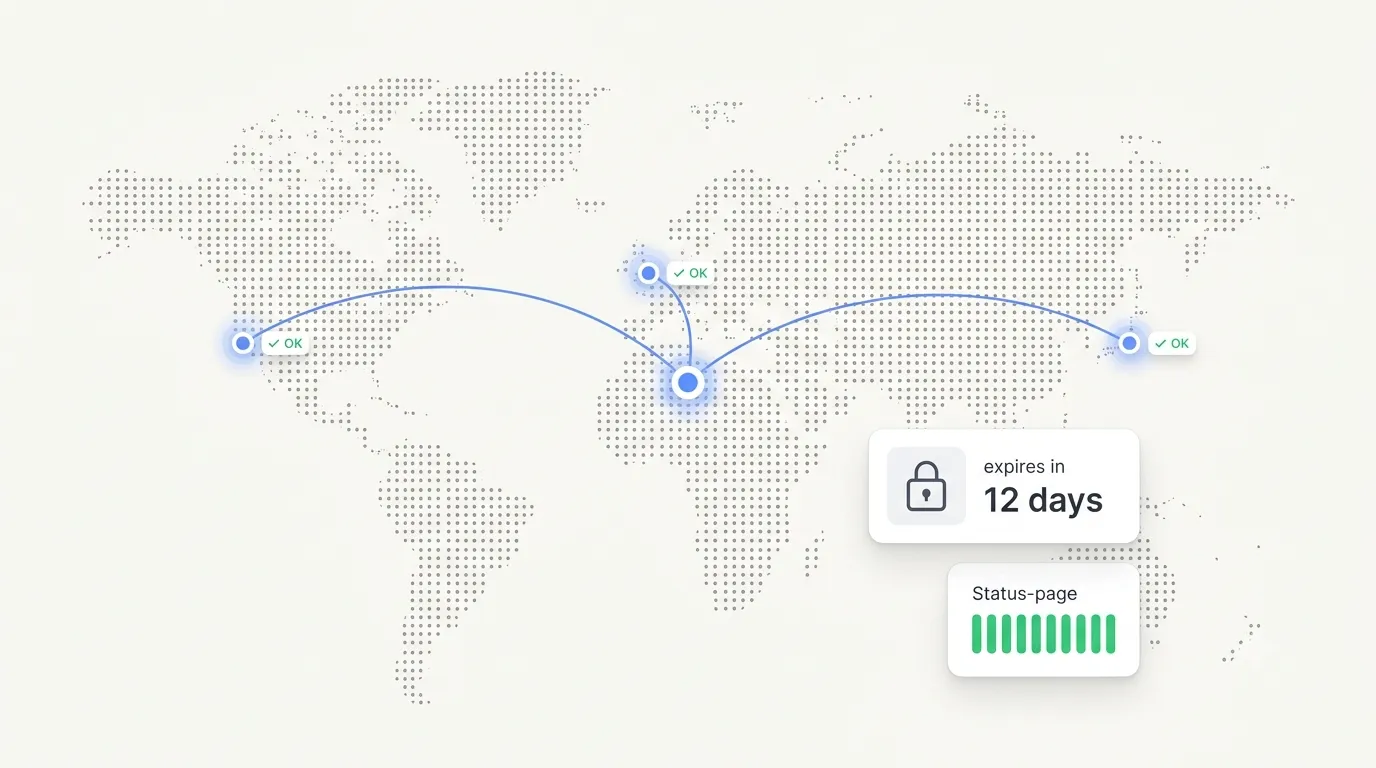
Your homepage returns 200. The status check is green. And the billing job that runs every night stopped firing three days ago, so nobody’s card has been charged since Tuesday. Meanwhile the certificate on your payments API lapsed overnight, and every mobile client is now failing the TLS handshake while your website, served by a different certificate, loads fine. Nothing crashed. No alert fired. The parts that broke were never the parts you were watching.
Monitoring the homepage made sense when the homepage was the app. A modern service isn’t one HTTP response; it’s a web of APIs, scheduled jobs, certificates, and DNS records, any of which can fail quietly while the front door stays open. A single ping can’t see most of that. To know your service actually works, you have to watch the pieces that don’t announce it when they die.
Downtime you can’t see costs more than downtime you can. It erodes trust while your dashboard stays green.
A green homepage isn’t a healthy system
The homepage is often the least interesting thing you run. It’s static, cached, and served from an edge that stays up long after the parts doing real work have fallen over. A 200 on / tells you the CDN is fine. It says nothing about whether /api/v1/checkout is returning 500s to your mobile app, or whether your login endpoint is timing out for everyone in Europe.
That gap matters because your users mostly don’t touch the homepage. They hit an API from a native app, a single-page frontend, or a partner integration. When an endpoint degrades, the website can look perfectly healthy while the product is unusable, and the first you hear of it is a support ticket or a churned customer.
So the first move past homepage monitoring is checking the endpoints that carry the load. Point a check at the actual API route, send the method and headers a real client sends, and assert on what comes back: the status code, a string in the body, the response time. A check that only asks “did the server answer?” will happily report green while the server answers with an error.
The jobs that fail without failing
Background work is where monitoring blind spots live. Cron jobs, queue workers, nightly backups, billing runs, data syncs: none of them serve an HTTP response, so an uptime check pointed at a URL never sees them. When one stops, it usually stops silently. The scheduler drops a job, a worker deadlocks, a deploy quietly removes a crontab line, and the task simply doesn’t run. There’s no 500, because there’s no request.
These are the failures that hurt weeks later. A backup that hasn’t run since last month looks identical to one that ran an hour ago, right up until you need to restore. A billing job that skipped a night doesn’t surface until revenue comes in short. The job didn’t error. It just went quiet, and quiet is invisible to anything watching for errors.
Catching this means inverting the check: instead of you reaching out to the job, the job reports in on its own schedule, and you get told when the report doesn’t arrive on time. Watching your scheduled work sits alongside watching your sites and APIs as part of the same picture of whether the system is actually doing its job.
Certificates and domains expire on a schedule you forgot
Some outages are on a countdown timer you set yourself and then forgot about. TLS certificates are short-lived now, often 90 days, and renewal is automated right up until the ACME client loses its credentials or the one certificate nobody wired for auto-renewal comes due. When it lapses, browsers throw a full-page warning and API clients refuse the connection. Nothing in your stack went down. The date just passed.
Domain registration is the same failure with a longer fuse and a worse ending. A renewal email lands in a shared inbox nobody reads, the card on file expired, and the domain drops. Now DNS is gone, and no amount of healthy servers brings the site back until the registrar sorts it out.
Both are entirely preventable, because both have a known expiry date you can watch. You can check any domain’s certificate right now with our free SSL certificate checker, no account needed, and read what each field means if the result looks off. Doing it by hand catches the certificate you remembered to look at; it’s the one you forgot that takes the site offline. Uptimeprobe watches certificate and domain expiry as part of a monitor so the countdown isn’t yours to remember.
One check location will lie to you
A check that runs from a single place tells you how your service looks from that one place. That’s a narrow view, and it produces two kinds of wrong answer. The false positive: a blip on the path between your one probe and your server fires an alert at 3am for an outage no real user experienced. And the false negative: your site is down for everyone in Asia because of a regional CDN fault, but your probe sits in Virginia and reports green.
Serious monitors run checks from several locations for exactly this reason. Hyperping, for instance, checks from up to 19 locations so a single bad network path can’t speak for the whole internet. The point isn’t the number; it’s the principle. Before an alert wakes you, more than one vantage point should agree that the thing is actually down.
Multi-location also tells you something a single probe can’t: how your service performs for people far from your servers. A 120ms response in the same region can be a 900ms response two oceans away, and that difference is invisible from one node. Uptimeprobe runs checks per region and breaks the results down by location on your status page, so “up” means up where your users are, not just where your monitor happens to sit. It’s worth knowing where a tool is looking from before you trust what it reports.
A status page is how you tell the truth
When something does break, the question shifts from detection to communication, and a status page is what carries that weight. Without one, an incident means a flood of duplicate support tickets, a pile of “is it just me?” messages, and a team answering the same question fifty times instead of fixing the problem.
A public status page is the single source of truth that absorbs all of that. It shows, in one place, which of your services are up, when each was last checked, and how they’ve behaved recently. Point your customers at it during an incident and the support load drops, because the answer is already there and it’s honest.
There’s a trust dividend too. Owning your downtime in public reads as more credible than a silent outage that users only learn about from a competitor’s tweet. A branded page that matches your product keeps that moment feeling professional rather than improvised. Uptimeprobe generates a status page straight from your monitors, so it stays current without anyone updating it by hand.
What a developer-first monitor should cover
If you’re choosing a tool, the bar has moved past “does it ping a URL.” A few things worth holding out for:
- It watches the whole stack in one place: HTTP and API endpoints, TCP services, background jobs, and certificate and domain expiry, not just the front page.
- It checks from more than one location and agrees across them before it alerts, so you’re not chasing phantom outages or missing regional ones.
- It ships with a status page as a standard feature, not a paywalled add-on, so telling your users the truth costs nothing extra.
- It gets out of your way: a monitor stood up in under a minute, no sales call, no bloat you’ll never use.
That last point is the difference between a tool you actually run and one you meant to configure. Most teams don’t need an enterprise observability platform with a services engineer attached. They need honest signal about whether their sites, APIs, jobs, and certificates are working, without a heavyweight rollout.
Watch the whole thing, from one place
The homepage was never the point. The point is knowing, before a customer tells you, that the thing your product depends on is still doing its job, whether that’s an API route, a nightly cron, a certificate with a date on it, or DNS you forgot renews. Uptimeprobe is built to watch that whole surface from one place: your websites, APIs, SSL certificates, and cron heartbeats, with a status page you can share. No bloat.
Start monitoring in under a minute, or see what’s included on every plan.